Free ASCII Art Library
Copy & paste ASCII art for Discord, bios, and messages
Explore line art, pixel art, borders, banners, and Unicode text art, click any piece to copy it instantly. No generator needed, no signup.
Learn what ASCII art is and how to use it.
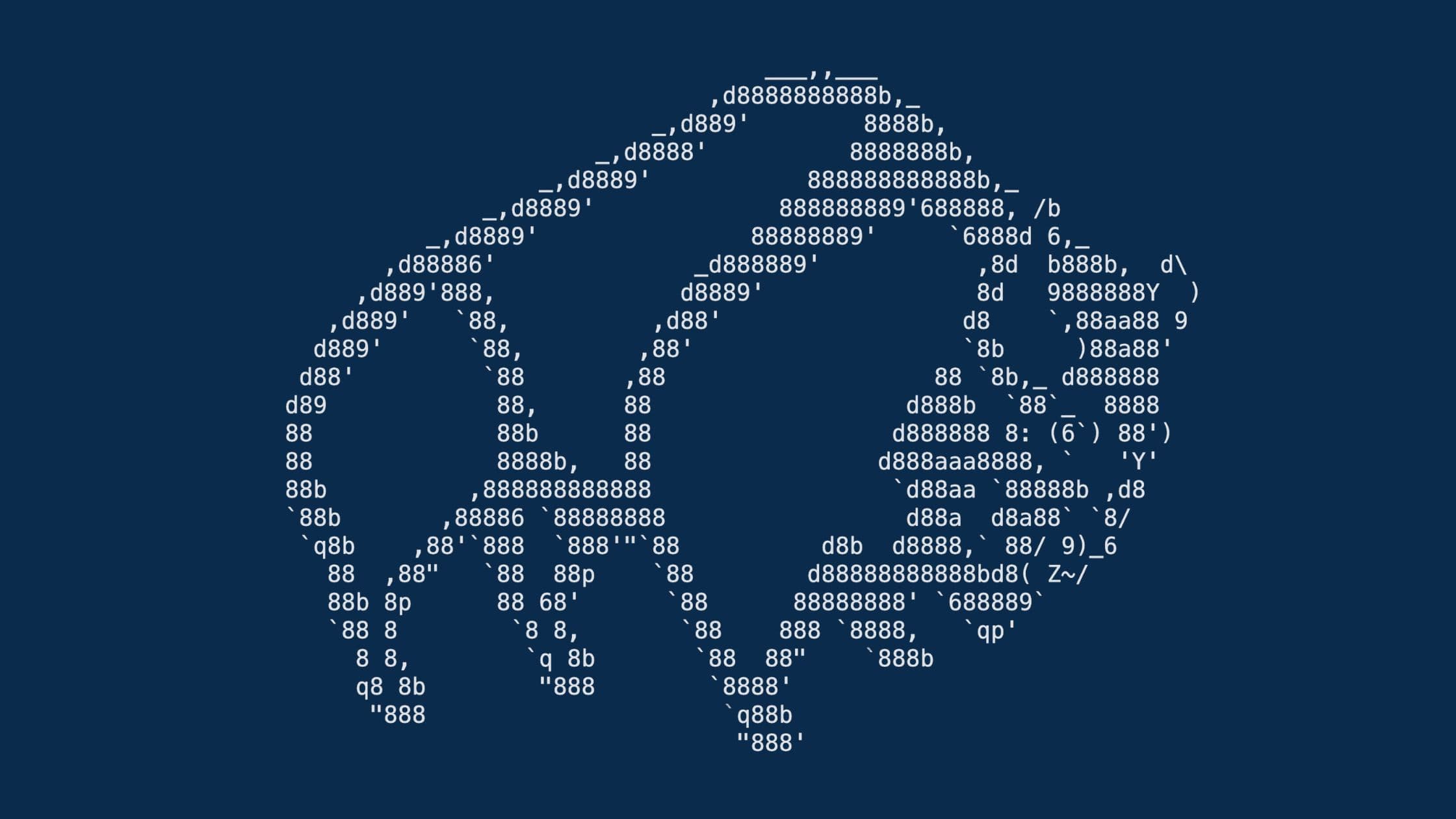
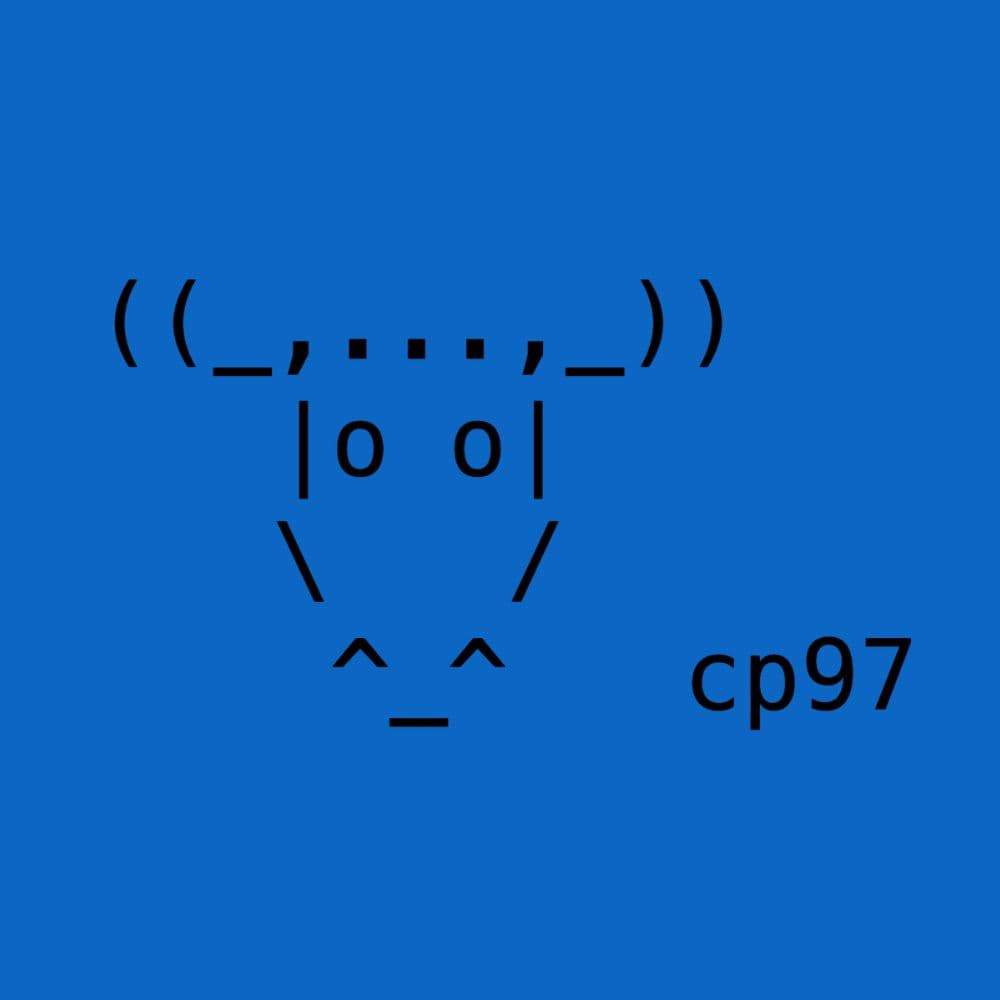
ASCII art uses keyboard characters, letters, symbols, and punctuation, arranged in lines to form pictures, faces, borders, and decorative text. It predates emoji and image stickers, and still works everywhere plain text is accepted.
FontGenerate's ASCII art library lets you browse curated pieces by style and subject, then copy them in one click for Discord messages, GitHub README files, Instagram bios, terminal splash screens, and chat apps.
From simple line art and box-drawing borders to shaded gradients, pixel patterns, ANSI blocks, Unicode symbols, braille dots, and multi-frame animations, each piece is tagged so you can find the look you need.
Common questions about ASCII art and copying text art.